Westbay Websites

Custom Website Design in Palm Harbor – Build a High-Converting Site

Every day, small businesses across Palm Harbor and the Tampa Bay area lose leads to competitors – not because their service is worse, but because their website is.

A slow, outdated, or poorly structured site doesn’t just fail to impress visitors. It actively drives them away. And in a competitive local market, that gap compounds fast.

Custom website design in Palm Harbor isn’t about having something that looks professional. It’s about owning a lead generation website – a digital sales tool that works around the clock, ranks on Google, loads fast on every device, and turns visitors into paying customers.

This pillar guide is your starting point. It connects every critical dimension of small business web design – from cost and platform decisions to conversion features and 2026 trends – and links to in-depth guides on each topic so you always know exactly where to go next.

small business website not generating leads due to poor design and low conversion performance

What You Will Learn in This Guide

  1. Why website design directly impacts your local revenue and rankings
  2. The key features that separate converting sites from digital brochures
  3. How to evaluate cost versus value for a website redesign in Palm Harbor
  4. When to choose custom design over a template – and what platforms to consider
  5. The most common website mistakes that push leads to your competitors
  6. What responsive web design and mobile optimization actually mean for your business
  7. The design trends shaping small business websites in 2026

Bookmark this page. It is designed to be your go-to reference as you build, improve, or rethink your business website.

Website Design for Small Businesses in Tampa Bay

Running a service-based business in Tampa Bay means competing in one of Florida’s most active local markets. Palm Harbor, Clearwater, Dunedin, Safety Harbor, and Tampa are packed with businesses offering similar services – and the ones winning in local search share one thing in common: a website built with strategy, not just aesthetics.

Website design for small businesses in the Tampa Bay area carries specific demands. Local customers search with intent – they are looking for someone nearby, trustworthy, and available. Your site needs to signal all three within seconds of a visit.

That means incorporating local trust signals – service area callouts, verified reviews, a Google Business Profile integration – paired with messaging that speaks directly to your neighborhood audience. A web design agency in Palm Harbor that understands the regional market can tailor your layout, keywords, and content hierarchy to match exactly what local customers expect to see.

Getting this foundation right is what makes every other chapter in this guide actually work. Running a service-based business here means competing across Pinellas, Hillsborough, and Pasco counties – and the businesses winning that competition have one thing in common: a website built specifically for this market. Our full guide to website design for small businesses in Tampa Bay breaks down exactly what local buyers expect before they trust a business enough to call.

small business website design in Tampa Bay for local service companies

Website Features That Increase Conversions

A lead generation website and a digital brochure can look almost identical at first glance. The difference is in the decisions made beneath the surface – the structural, strategic choices that either guide visitors toward action or let them slip away.

High-converting websites are built around a specific sequence: a clear value proposition above the fold, a call to action visible before the visitor scrolls, social proof placed where skepticism is highest, and a friction-free contact path that takes two steps or fewer.

Beyond those foundations, conversion-focused sites use content hierarchy to place trust-building information exactly where visitors naturally look first. For Palm Harbor businesses, that means locally specific proof – testimonials from recognizable Pinellas County neighborhoods, service area callouts, and real photography of your team and work rather than generic stock imagery.

Every feature on your site should serve one function: moving the visitor one step closer to contacting you. If an element does not do that, it is clutter. Knowing which elements to prioritize – and in which order is what separates a converting site from a digital brochure. Our dedicated guide to website features that increase conversions covers all ten in detail, with placement recommendations for each.

Website Design Cost in Palm Harbor – What to Expect and How to Budget

The first question most business owners ask is: How much does a website actually cost? The range is wide, and understanding why is more valuable than knowing any single number.

Website design cost in Palm Harbor varies based on scope, platform, strategy involvement, and the level of SEO built into the development process. A template site from a budget provider may cost a few hundred dollars. A custom-designed, responsive web design built by an experienced local team – with proper conversion architecture and local SEO structure – sits in a different category and produces a different return.

The better question is not the upfront cost, but the cost of inaction. A website that generates three new customers per month pays for itself within the first quarter. A cheap site that generates nothing costs far more in lost revenue over a 12-month window.

When evaluating proposals, confirm what is included: strategy, copywriting, mobile responsiveness, speed optimization, on-page SEO, and post-launch support. Those are the variables that determine ROI – not the design alone. For a full breakdown by website type, scope, and what each price tier realistically delivers, read our dedicated guide to website design cost in Palm Harbor – including a pricing table built from real local project data.

FREE RESOURCE – Before You Budget, Know What You’re Working With

Not sure if you need a full website redesign or just targeted improvements? West Bay Websites offers a no-obligation website audit for Palm Harbor and Tampa Bay small businesses. We identify your biggest performance and conversion gaps in plain language – so you can make an informed decision before spending a dollar.

Book your free audit today and walk away with a clear action plan, not a sales pitch.
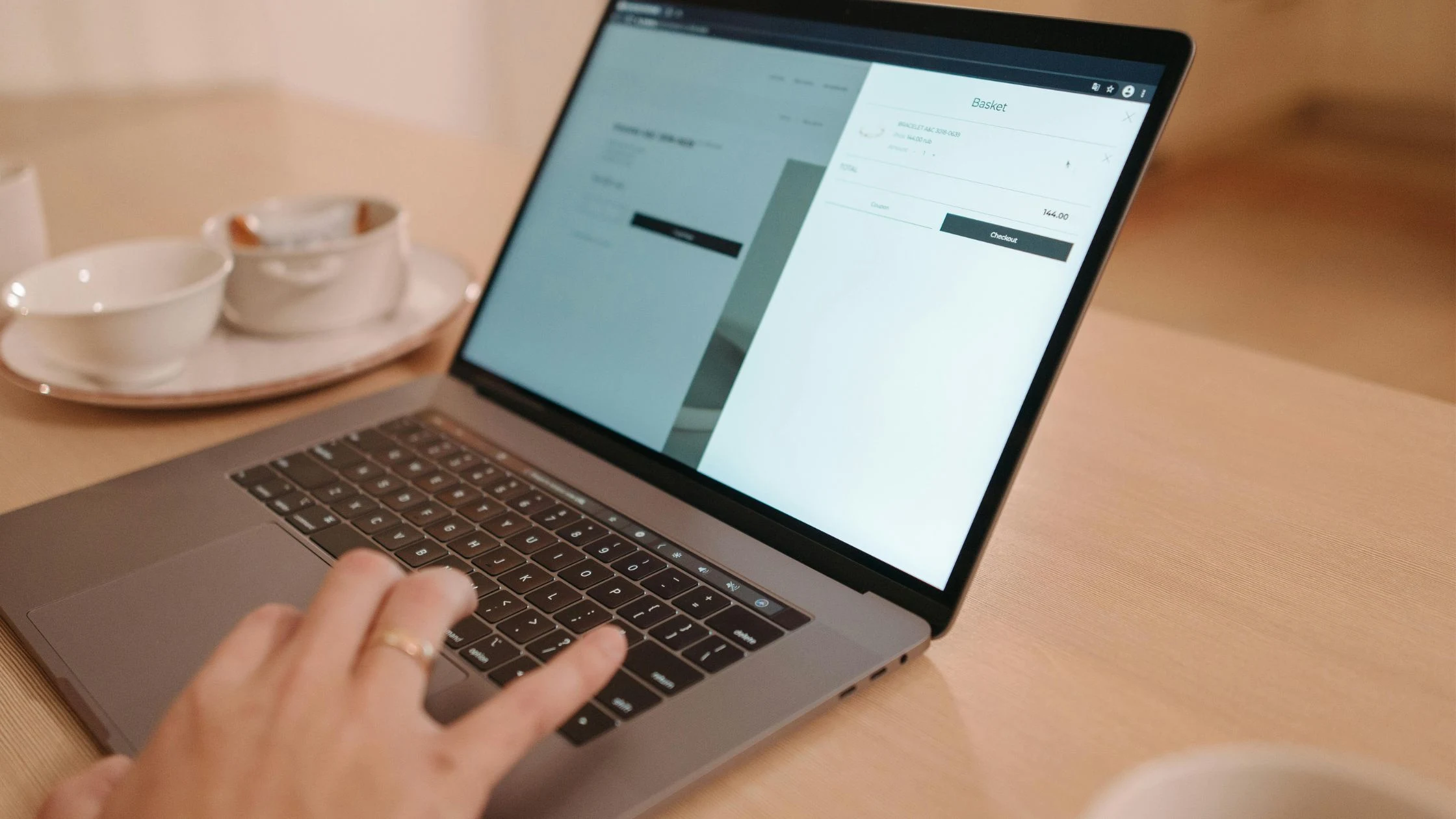
website design cost in Palm Harbor for small business budgeting and ROI

Custom vs. Template Website – Which Is Right for Your Business?

This is one of the most consequential decisions a small business owner makes when building or rebuilding a site – and it deserves a straight answer.

Template websites – built on platforms like Wix, Squarespace, or GoDaddy Website Builder – are faster and cheaper upfront. They work in specific scenarios: tight budgets, single-service businesses, or situations where speed to market outweighs long-term strategy. But they carry meaningful limitations: restricted design flexibility, duplicate code across thousands of sites that dilutes SEO value, and a generic look that makes local differentiation nearly impossible.

WordPress sits in the middle – it is technically a content management system that supports both templated and custom builds. A well-built custom WordPress site gives you design flexibility, strong SEO capabilities, and long-term scalability. A poorly configured WordPress site gives you security headaches and plugin conflicts.

Fully custom websites – designed and built from the ground up – deliver the clearest competitive advantage for established Palm Harbor businesses in competitive service categories: HVAC, legal, dental, roofing, landscaping, and medical practices. The layout, messaging, and conversion architecture are built around your specific customer, market, and goals. If you’re still weighing platforms, WordPress, Wix, Squarespace, or a fully custom build, our in-depth guide to the custom vs template website decision gives you a straight answer based on your business type, budget, and growth goals.

custom website vs template website comparison for business growth

Website Mistakes That Are Costing You Leads Right Now

Most small-business websites do not fail because of a single catastrophic error. They fail because of a collection of fixable mistakes that compound month after month – quietly funneling potential customers toward competitors who have a better digital presence.

The most damaging mistakes often go unnoticed: no clear call to action above the fold, a contact form buried three clicks deep, page load times exceeding three seconds on mobile, stock photography that signals inauthenticity, or homepage copy that talks about the business rather than the customer’s problem.

Other common issues include inconsistent NAP (Name, Address, Phone) data across your Google Business Profile and website, missing location-specific content that tells Google which area you serve, and a lack of mechanism to capture leads from visitors who are not ready to call today.

For Palm Harbor service businesses, each of these mistakes is a direct revenue leak. The good news is that every one of them is diagnosable with a structured site audit – and most can be corrected without a full website redesign. Our dedicated breakdown of the website mistakes that cost you leads walks through each issue with diagnostic questions, real-world patterns from Palm Harbor audits, and a 60-second self-audit checklist you can complete before spending another dollar.

common website mistakes that reduce leads and conversions

Why Responsive Web Design and Mobile Optimization Are Non-Negotiable

More than 60% of local searches occur on smartphones. That means the majority of your potential customers are forming their first impression of your business on a small screen – and if that experience is slow, cramped, or confusing, they leave.

Responsive web design is not simply about making your desktop layout fit on a phone. It means designing the mobile experience first – ensuring load times stay under three seconds, making tap targets large enough for thumbs, and surfacing your most important content without requiring the visitor to scroll past multiple screens to find your phone number.

Google also factors mobile usability directly into local search rankings. A poorly optimized mobile site does not just frustrate visitors – it actively suppresses your visibility in the exact searches that should be sending you leads.

For Palm Harbor businesses in competitive categories – HVAC, roofing, dental, legal, landscaping – a poor mobile experience is a direct competitive disadvantage that shows up in both your bounce rate and your local ranking position. For a full breakdown of what mobile-first development actually looks like in practice – and how to test where your current site stands – read our complete guide to responsive web design and mobile optimization for local service businesses.

Website Design Trends in 2026 That Small Businesses Should Actually Care About

Design trends matter – but only when they serve your business goals. For small business owners, the right question is never what looks current. It’s what builds trust faster and drives more action.

The trends that are producing real results in 2026 center on clarity, speed, and authenticity. Minimalist layouts with strong typographic hierarchy are replacing cluttered, feature-heavy designs. Real photography – of actual teams, real job sites, and genuine work product – is significantly outperforming generic stock imagery in both engagement and trust metrics.

On the technical side, Core Web Vitals – Google’s standardized measurements of load speed, visual stability, and interactivity – continue to influence local search rankings. A site that scores poorly on these metrics will struggle to rank, regardless of how well-written the content is.

For Palm Harbor small businesses, the clearest takeaway is this: the trend that matters most is designing for your customer’s experience, not for visual awards. A fast, clear, conversion-focused website built around the customer’s problem will outperform a visually impressive site that fails to generate leads every single time. Our full guide to website design trends for 2026 breaks down seven specific updates ranked by the impact they deliver for service businesses in competitive local markets like Palm Harbor and Tampa Bay.

latest website design trends 2026 for small business websites

How These Topics Connect – Your Website Strategy Roadmap

Understanding each topic in isolation is useful. Seeing how they connect is what makes this guide a genuine strategic resource.

Step Topic Why It Comes Here
1 Tampa Bay Small Business Website Design Sets market context and local expectations
2 Custom vs. Template Decision Determines the platform foundation before any design begins
3 Website Design Cost in Palm Harbor Aligns budget with realistic scope and ROI expectations
4 Website Features That Increase Conversions Shapes what gets built and where each element goes
5 Responsive Web Design & Mobile Optimization Ensures the site performs for the majority of your visitors
6 Website Mistakes That Lose Leads Audits existing gaps before or after launch
7 Website Design Trends 2026 Keeps your site competitive and Google-friendly long term

 Most business owners skip steps 1 through 3 and jump straight to design. That is the single biggest reason most small business websites underperform. Strategy, platform, and budget alignment come first – everything else follows.

Frequently Asked Questions – Custom Website Design in Palm Harbor

How much does website design cost in Palm Harbor?

Website design cost in Palm Harbor typically ranges from $1,500 to $10,000+, depending on scope, platform, and the level of strategy involved. Template-based builds sit at the lower end. Custom-designed, SEO-optimized, conversion-focused sites sit higher – but they generate measurable returns. The better question is always: what will it cost you if your website keeps failing to convert?

What is the difference between a custom website and a template?

A template gives you a pre-built structure that you fill in with your content – faster and cheaper, but limited in flexibility and SEO potential. A custom website is built specifically around your business goals, target customer, and local market. For competitive Palm Harbor service industries, custom design consistently delivers better rankings, higher conversion rates, and a stronger long-term return.

How long does it take to build a small business website?

A professionally built small business website typically takes 4 to 8 weeks from kickoff to launch. This includes discovery, design, development, content integration, and pre-launch testing. Rush timelines are possible but often result in skipped strategy steps that hurt performance. A well-planned build that takes six weeks will outperform a rushed two-week build for years.

What makes a website mobile-friendly?

A mobile-friendly website loads in under three seconds on a smartphone, displays content clearly without horizontal scrolling, uses tap-friendly buttons sized appropriately for thumbs, and surfaces your most important information – phone number, service area, call-to-action – without requiring the visitor to scroll. Responsive web design achieves this by automatically adapting the layout across different screen sizes.

How do I know if my website is losing leads?

The clearest signals are: high traffic with low contact form submissions, a bounce rate above 70%, average session duration under one minute, or a mobile load time exceeding three seconds. Tools like Google Search Console, Google Analytics, and Google Page Speed Insights can surface these issues for free. A professional site audit will identify the specific friction points and prioritize what to fix first.

Next Steps – Your Website Improvement Checklist

Use this as a quick diagnostic of where your current site stands – and a roadmap for what to prioritize next.

Foundation

  1. Does your homepage clearly state who you serve and what problem you solve?
  2. Is your primary call-to-action visible above the fold without scrolling?
  3. Is your site load time under three seconds on mobile?

Conversion

  1. Do you have social proof – reviews, results, or testimonials – visible early on the homepage?
  2. Is your contact process simple and frictionless – two steps or fewer?
  3. Does every service page end with a clear, specific call-to-action?

Local SEO

  1. Does your site mention Palm Harbor and your service area naturally in the copy?
  2. Is your Name, Address, and Phone consistent across your website and Google Business Profile?
  3. Do your page titles and headers include location-based keywords?

Technical

  1. Is your website built with responsive web design and tested across multiple devices?
  2. Are your images compressed and optimized for fast loading?
  3. Does your site pass a basic Core Web Vitals check in Google PageSpeed Insights?

Strategy

  1. Do you know which pages on your site generate the most leads?
  2. Have you reviewed your top three local competitor websites in the last six months?
  3. Is there a plan in place to add new content and service pages over time?

responsive web design and mobile optimization for better user experience

Bookmark this guide and return to it as you work through each chapter. Every sub-topic links to a dedicated, in-depth resource built to help you take action – not just understand the concept in theory.

When you are ready to move from strategy to execution, West Bay Websites is here to help. We work with small businesses across Palm Harbor and the Tampa Bay area to build websites that rank on Google, convert visitors into leads, and grow with your business.

Book a free strategy consultation today – and let’s map out exactly what your website needs to start performing.