These features are what your site needs to work. But even the best-designed elements get undermined by a handful of structural errors. Before building, it’s worth knowing the website mistakes that cancel out good design – so you don’t invest in features that never get the chance to convert.
What website features increase conversions?
The website features that increase conversions most reliably include a clear call-to-action, fast page load speed, mobile-first design, authentic trust signals, and a friction-free contact form. When these elements work together, they reduce drop-off and guide visitors toward one specific action – whether that’s calling, booking an appointment, or requesting a quote.
You spent real money building your website. You’re getting traffic. But the phone isn’t ringing, the contact form is sitting empty, and leads aren’t coming in the way you expected.
Here’s the truth: most websites don’t fail because of bad design. They fail because they’re missing the right website features that increase conversions – the specific elements that turn a casual visitor into a paying customer.
Whether you run a dental practice in Palm Harbor, a law firm in Tampa, or a home services company anywhere in the greater Tampa Bay area, this list applies directly to your business.
Let’s break down exactly what your site needs to start doing its job.
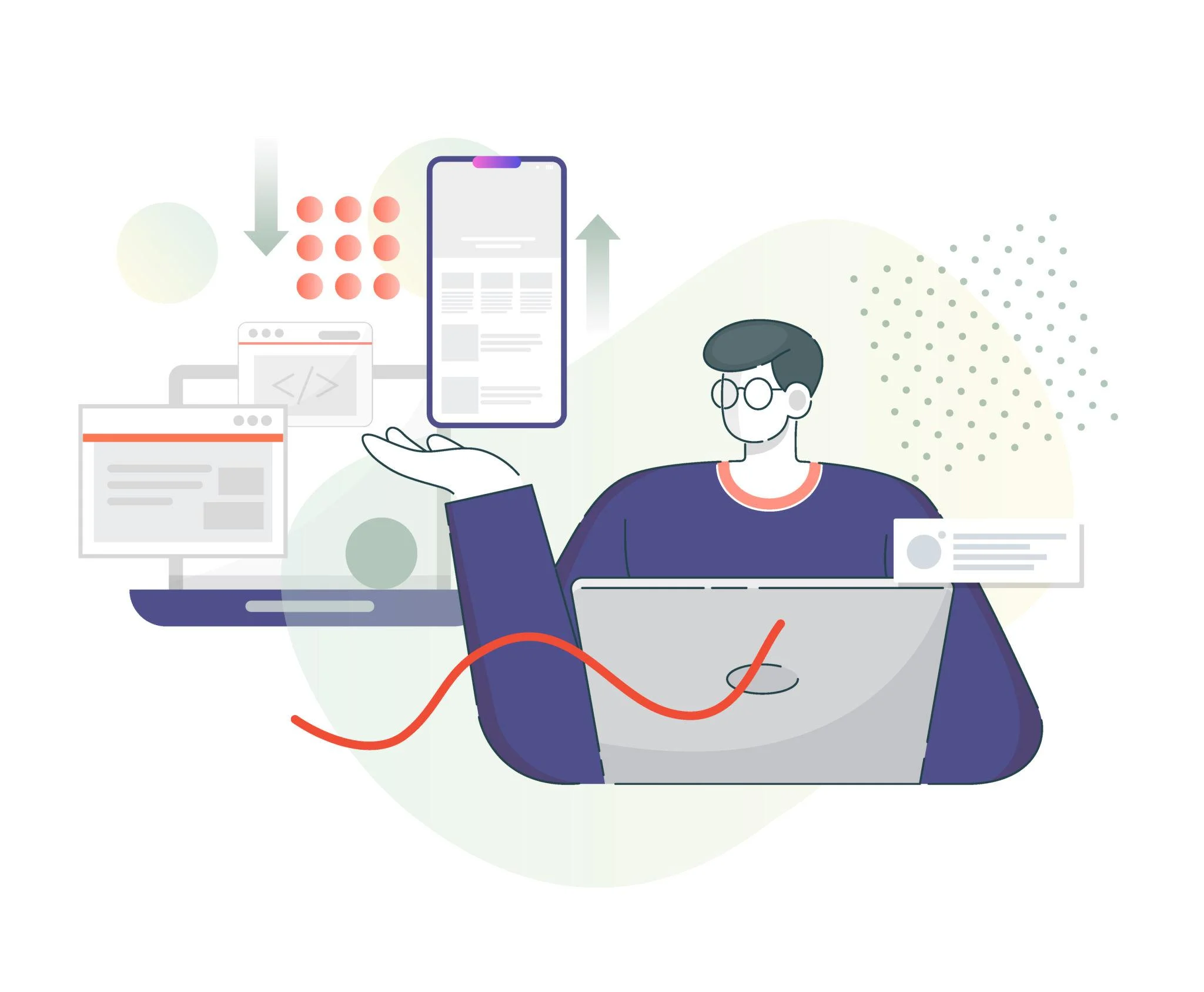
What “Conversion” Actually Means for Your Business
A conversion isn’t always a sale. For a local service business, it’s a phone call. For a medical practice, it’s a booked appointment. For a nonprofit, it’s a donation or a volunteer sign-up.
Whatever action you want your visitor to take – that’s your conversion goal. And your website conversion rate is simply the percentage of visitors who actually take that action. Most local business websites sit below 2%. The ten features below are specifically designed to push that number higher.
Every element on this list removes a barrier between your visitor and their “yes.”
If you’re still planning your website build and want to understand how features fit into the bigger picture cost, platform decisions, mobile strategy, and SEO start with our complete guide to custom website design in Palm Harbor before diving into the feature-by-feature breakdown below.
10 Website Features That Drive Higher Conversion Rates and Build Trust
1. A Clear, Benefit-Driven Headline Above the Fold
The moment someone lands on your homepage, they’re asking one question: “Is this for me?” Your headline needs to answer that in under five seconds – before they bounce.
A weak or vague headline is one of the single biggest drivers of high bounce rates among local business websites. Visitors who don’t immediately see themselves reflected in your headline leave – often within three seconds – and they rarely come back.
Avoid generic phrases like “Welcome to Our Website.” Instead, lead with what you do and who you help. Example: “Tampa Bay’s Trusted Plumbers – Same-Day Service, No Surprise Fees.”
Specific always beats clever.
2. A Single, Prominent Call-to-Action
Every page on your website should have one clear next step. Not three. Not five. One.
Cluttered pages with multiple competing buttons confuse visitors and kill momentum. Pick your primary CTA – book a call, request a quote, schedule a consultation – and make it impossible to miss. Use a contrasting button color, keep the copy action-oriented, and place it above the fold.
More choices create more hesitation. One clear call-to-action button creates forward movement.
3. Mobile-First Design
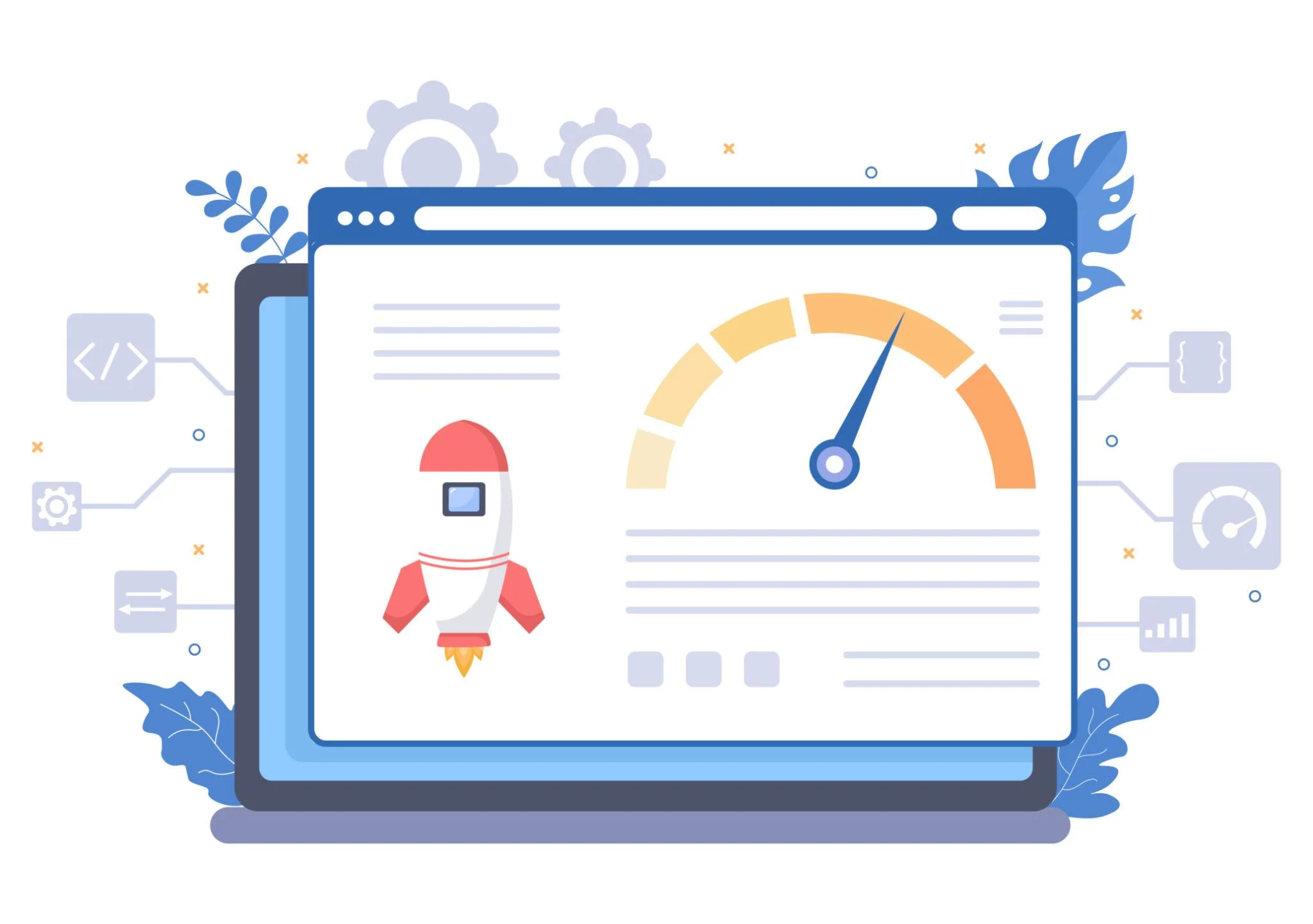
More than 60% of web traffic now comes from mobile devices. If your website looks broken or hard to navigate on a phone, you’re losing leads before they even read your first sentence.
Mobile-first design means fast-loading pages, tap-friendly buttons, and a layout that adapts cleanly to any screen size. This isn’t optional anymore – it’s the baseline expectation for every local business website in 2025.
Mobile performance is the fastest-moving area of conversion design. Our dedicated guide to mobile conversion features your site needs goes deeper into responsive layout, tap targets, load time thresholds, and why mobile-first development directly affects your local rankings.
4. Fast Page Load Speed
According to Google, a one-second delay in page load time can reduce conversions by up to 7%. For a local business getting even modest traffic, that adds up to real lost revenue every single month.
Speed is a UX issue, an SEO issue, and a conversion issue simultaneously. Compress your images, minimize unnecessary scripts, and choose reliable hosting. A slow website signals a slow business – and visitors won’t stick around to find out otherwise.
5. Trust Signals Throughout the Page
Visitors don’t know you yet. Trust signals close that gap quickly. These include:
- Google reviews and star ratings
- Client logos or industry association badges
- Licenses, certifications, or accreditations
- Before-and-after results or project photos
- Photos of your actual team or workspace
Place these throughout the page – not just at the bottom. The earlier you build credibility, the longer someone stays and the more seriously they consider reaching out.
6. A Simple, Friction-Free Contact Form
If your contact form asks for 10 fields, most people won’t finish it. Keep it to three or four: name, phone or email, and a brief note about what they need. That’s it.
The goal isn’t to collect data – it’s to start a conversation. You can gather the remaining details once you’re on the call.
7. Clear Service Pages With Local Context
Each service you offer deserves its own dedicated page. Not a paragraph buried on your homepage – a full page with a specific headline, service details, who it’s for, and a CTA.
This matters for both SEO and conversions. A business owner in Palm Harbor searching for “dental website redesign” is far more likely to convert when they land on a page built specifically for their industry and their location – not a generic services overview.
REAL WORLD EXAMPLE
What this looks like in practice:
A home services contractor in the Tampa Bay area came to us with a well-trafficked site that was converting at under 0.8%. Their services were all listed on one page – no individual service pages, no local context, no neighborhood-specific language. After restructuring their content into dedicated service pages with location-specific copy, their inbound form submissions increased noticeably within the first 45 days. The single biggest driver wasn’t the design – it was giving Google and visitors a clear, specific page to land on for each service.

8. High-Quality, Authentic Visuals
Generic stock photos hurt your credibility more than no photos at all. Visitors can spot a staged handshake image from a distance, and it immediately signals inauthenticity.
Use real photos of your team, your work, your office, or your process. If professional photography isn’t in the budget yet, clean and well-lit smartphone photos of your actual business almost always outperform overused stock imagery.
9. Social Proof and Real Testimonials
A five-star rating on your Google Business Profile is powerful. But a short, specific quote from a satisfied client – placed right next to your CTA – is even more effective.
Use testimonials that reference real outcomes. “They redesigned our site and we received 12 new consultation requests in the first month” converts. “Great service, highly recommend!” doesn’t move the needle the same way.
Several of these features are evolving rapidly with the shift in user expectations and Google’s algorithm updates. Our guide to 2026 website features that drive the most engagement covers which updates are producing the clearest results for local service businesses right now.
10. Easy-to-Find Contact Information
This sounds obvious. But a surprising number of local business websites make visitors hunt for a phone number or address – and most won’t bother hunting.
Put your contact information in the header, in the footer, and on a dedicated contact page. If you serve a specific area like Palm Harbor, Clearwater, or the greater Tampa Bay region, state that clearly on the page. Local visitors want confirmation that you’re nearby and accessible before they commit to reaching out.
Not every platform supports these features equally. If you’re deciding between a template and a custom build, our guide to which website platform delivers these features best breaks down the real differences in flexibility, SEO capability, and long-term performance.
Expert Insight – The One UX Design Tip Most Businesses Miss
Most business owners focus on how their website looks. The ones who grow fastest focus on how it flows.
The UX design principle that moves the needle more than any visual change is reducing friction at every decision point. This is the core idea behind landing page optimization – stripping away anything that slows a visitor down or introduces doubt before they reach your CTA.
Fewer clicks to reach the contact page. Shorter forms. Faster load times. Clearer, jargon-free language. Every unnecessary step in your conversion path is an exit opportunity.
Think of your website as a guided sales conversation, not a brochure. A skilled salesperson doesn’t hand you a 40-page packet and say “read this.” They guide you, answer your questions, and make the next step obvious. Your website should operate the same way – with user intent at the center of every design and content decision.
Your Lead Generation Website Should Work for You – Not Against You
A well-built lead generation website isn’t just a digital business card – it’s your best-performing salesperson. It works 24 hours a day, qualifies visitors, builds trust, and moves people toward action without you being in the room.
Conversion optimization isn’t about tricks or gimmicks. It’s about removing the obstacles between your visitor and their decision. When your website loads fast, communicates clearly, earns trust quickly, and makes the next step obvious – conversions follow.
That’s not theory. That’s what happens when strong UX design principles and intentional content strategy work together on the same page.
If your current site is missing even a few of the features above, you’re leaving leads on the table every single day.
Ready to Find Out What Your Website Is Costing You?
At West Bay Websites, we build websites for Tampa Bay area businesses that are designed to convert – not just look good online.
In most audits we conduct, we find at least 4-6 of these features either missing or broken on local business websites. Book a free website audit today and find out exactly where your site is leaking leads – and what to fix first.


